
Quick answer: No, Instagram does not show who clicks your link. You can only see the total number of clicks through Insights (for bio, Stories, or ads), but Instagram does not reveal usernames or profiles of people who clicked.
Instagram links have become a key tool for bloggers, experts, and businesses. People use them to visit websites, online stores, landing pages, or booking services. So it’s totally natural to start wondering: can you see who clicks on your Instagram link to understand who’s actually interested in your content?
In this article, we’ll break down what Instagram really shows, what its limits are, and how to work with link analytics effectively in 2026.

What Instagram Shows About Link Clicks
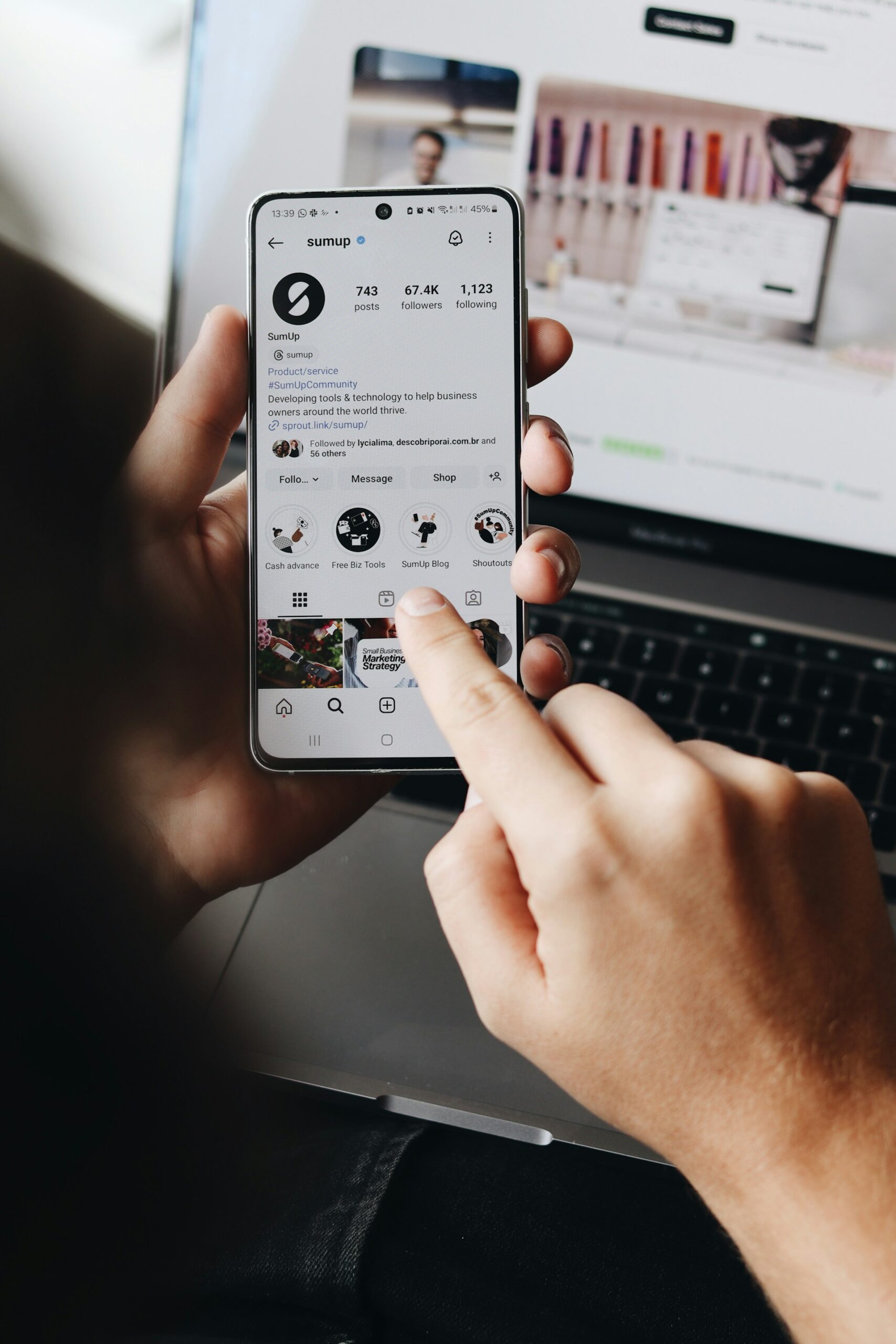
If you have a professional account, Instagram lifts the curtain and gives you access to basic analytics in the Insights section. It’s not super detailed, but it does give you a general idea of what’s happening with your content.
You can see:
- How many times people clicked the link in your bio
- How many people tapped the link in your Stories
- Reach and engagement on your posts
So, does Instagram show who clicked your link? No. You only see numbers, not actual people. And if you’re using a regular personal account, there are no stats at all – no numbers, no clues, no hints about clicks whatsoever.
Do Link Clicks Work the Same in Bio, Stories, and Ads?
Not all Instagram links behave the same way. The type of link you use affects what data you can see.
Bio links:
- Show total clicks in Insights
- No user-level data
Story links (link sticker):
- Show taps and interactions
- No user names
Ad links:
- Show detailed performance metrics
- Still no information about individual users
No matter where the link is placed, Instagram only provides aggregated data. You can track performance, but not specific people.
Why IG User Names Stay Hidden
Instagram follows pretty strict privacy rules, and there’s a reason for that. Clicking a link is treated as a private action, unlike likes, comments, or follows, which are public. The idea is simple: someone might tap a link out of curiosity, by accident, or without any plan to interact with the account afterward. That’s why Instagram doesn’t connect link clicks to specific profiles or share that info with the page owner.
So, even if someone regularly clicks your links, you won’t receive a notification with their name or username. This approach matches modern data-privacy standards and, given current privacy trends, isn’t likely to change anytime soon.
Can You See Who Clicks Your Instagram Link Through Stories or Ads?
The answer is still no.
Even though Stories and ads often feel more “advanced” because they offer more analytics, the rule remains the same. You can see how many people clicked the link, how many viewed the Story, the reach, and how the ad performed overall.
But even here, Instagram doesn’t show who clicked. The data remains aggregated—no names, usernames, or profile links. Ads don’t give you any superpowers or a secret list of users. They just give you more numbers to work with.
Yes, Stories and ads help you understand how well your link is performing, but they don’t tell you who is behind each click.
How to Analyze Instagram Link Clicks Without Seeing Users
Instead of trying to figure out how to see who clicked on your Instagram link, it’s actually more useful to see what people do after they click. This info helps you tweak your content, make your calls-to-action better, and get more out of your links. That’s where indirect click analysis helps.
For example, you can check out data like:
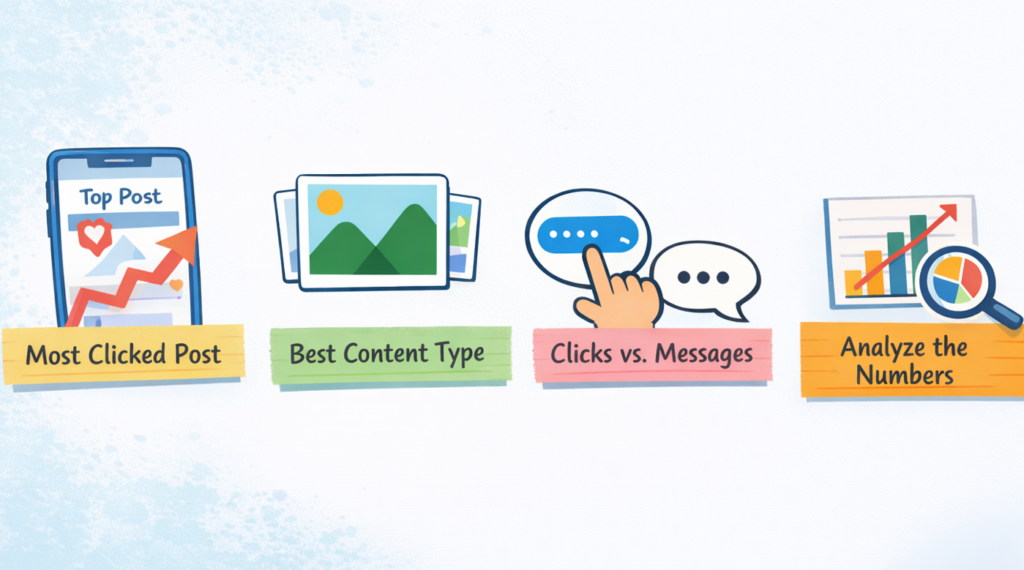
- Which post got the most clicks. If one post suddenly gets a spike, you can tell what topic, style, or format really caught people’s attention.
- Which content works best. Pics, carousels, or short videos – see what people click on most.
- Clicks vs messages. Lots of clicks but few DMs? People are curious but not ready to talk.
Finally, learn from the numbers. Even if you don’t know who clicked, you can still see what your audience likes and make your content better.
How to Track Instagram Link Clicks More Effectively
Even though you can’t see who clicks your links, you can still track performance more accurately using external tools.
Here are a few practical options:
- Use link shorteners (like Bitly or Rebrandly) to track clicks
- Use UTM parameters to measure traffic in Google Analytics
- Use link-in-bio tools to compare multiple links
- Track conversions (sign-ups, purchases, etc.) on your website
This helps you understand not just clicks, but what users do after they leave Instagram.
Can You Tell Who Clicks on Your Instagram Link Using External Tools?
There are tools that say they can track Instagram link clicks in more detail. These are usually link shorteners, bio‑link apps, or traffic analytics platforms. A lot of people think that using one of these might finally show who clicked their link.
The truth is, tools like Bitly, Linktree, Later, or Rebrandly do give you more info than Instagram itself. You can see things like how many clicks a link got, when they happened, which country the clicks came from, and which link worked best if you have multiple links in your bio.
Even with these tools, you still can’t see who actually clicked. No names, no profiles, no secret lists. If a tool says you can, that’s a big warning sign.
Remember:
- Instagram doesn’t give out user info through its API.
- Any promises to show exact people are just marketing tricks.
- Using sketchy tools can get your account banned.
So, the safest way is to stick with official analytics and trusted services.
Final Thoughts
So, how to see who clicks on your Instagram link? Unfortunately, there is no way to do that. Instagram doesn’t show the exact users who click your links. And instead of trying to figure out who clicked, it makes more sense to focus on growth and account quality.
Instead of trying to identify who clicks your links, focus on improving your content and increasing engagement. The more people interact with your posts, the more clicks your links will get.
Platforms like GoreAd can help boost your visibility and reach a wider audience, which naturally leads to more traffic and better results from your Instagram links.
The idea is simple: build visibility, improve engagement numbers, and keep your profile active, while using Instagram’s analytics to judge what content works best.
FAQs
Can you see who clicked your Instagram bio link?
No. Instagram only shows the number of clicks, not the users who clicked.
Does Instagram notify you when someone clicks your link?
No. Instagram does not send any notifications for link clicks.
Can third-party tools show who clicked your Instagram link?
No. External tools can show click data like location or device, but not personal identities.
What is the best way to track Instagram traffic?
The best way is to use UTM links combined with analytics tools like Google Analytics.